AI-generated content is making it harder to know what’s real online. That’s why Google lets you choose the news sources you trust most. With Google’s Preferred Sources feature, you can choose to see more content from trusted news organizations, including BNN Bloomberg, in your search results.
Ready to get started? Pick Option 1 or Option 2 below to add BNN Bloomberg in just a few clicks.
OPTION 1
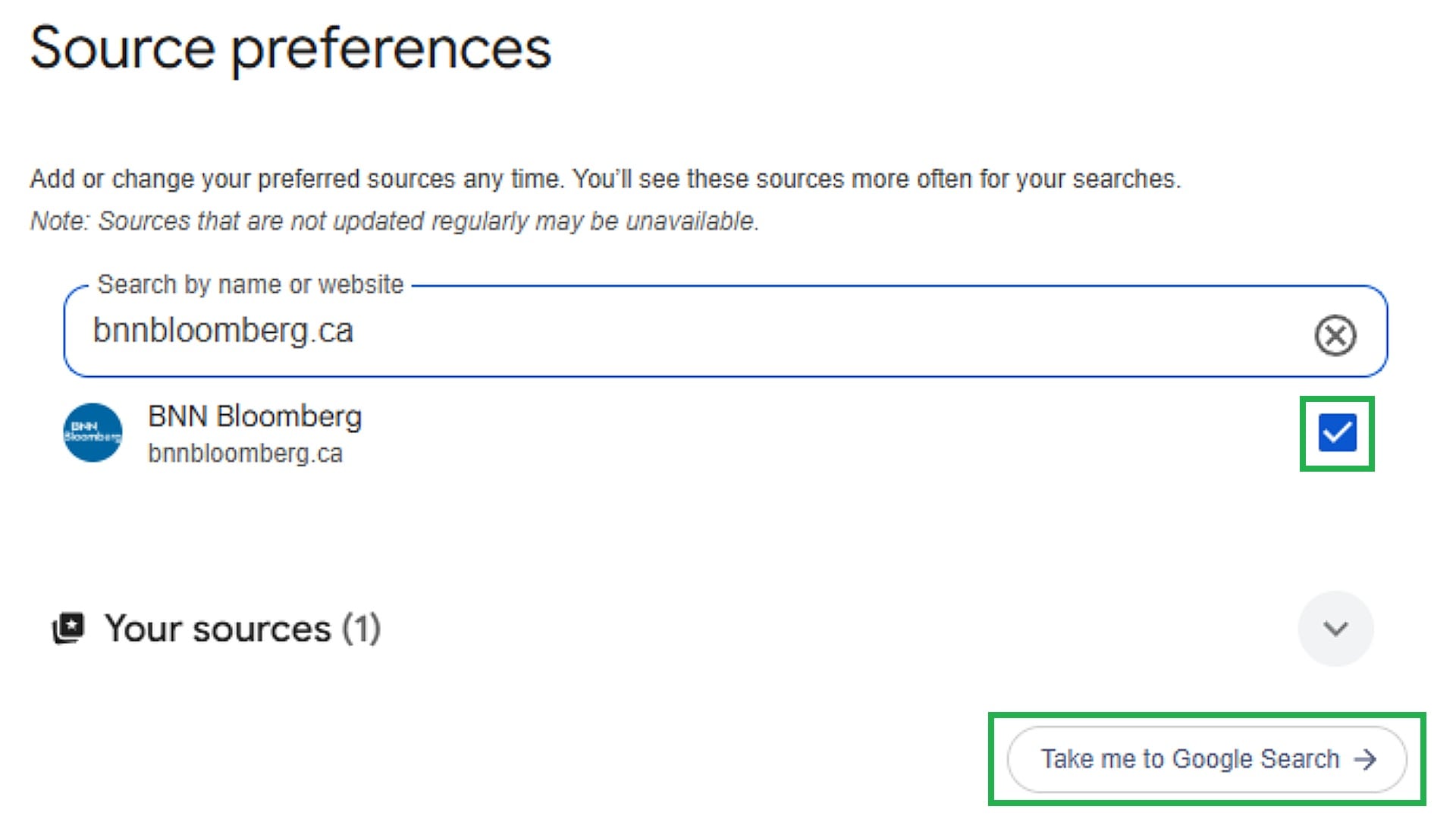
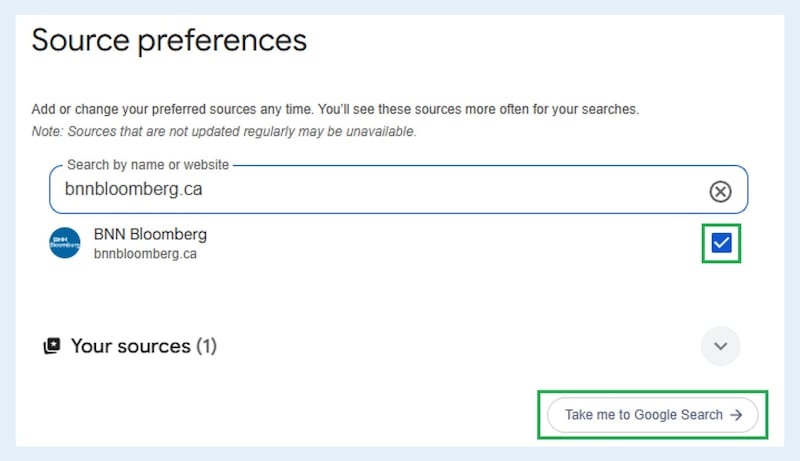
Click here and log into your Google account. Click the checkbox beside BNN Bloomberg, then “Take me to Google Search” to view your preferred sources in action.
OPTION 2
Alternatively, as you’re searching for news on Google, click the star icon beside the “Top Stories” header.

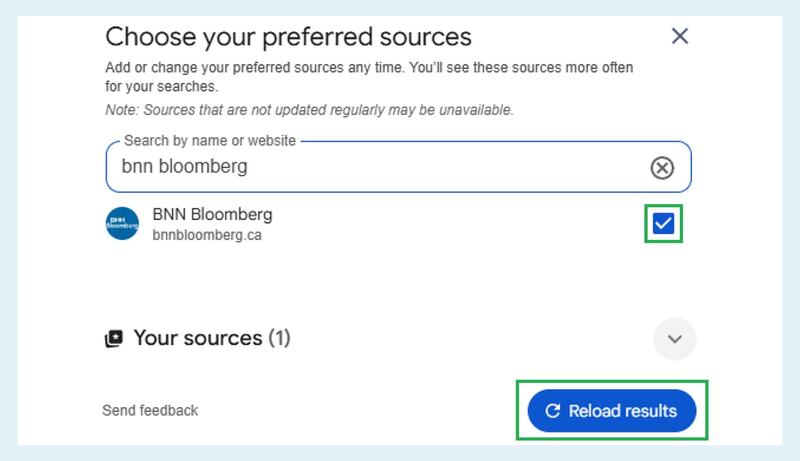
A new window will appear, allowing you to search for BNN Bloomberg. Click the checkbox to add as your preferred source, then click “Reload Results.”
This will ensure BNN Bloomberg articles are displayed more frequently within “Top Stories” or in a dedicated “From Your Sources” section on Google’s results page.

You will still be able to see content from other outlets, and can adjust your settings at any time.
Additionally, stay informed throughout the day by bookmarking BNNBloomberg.ca and downloading the BNN Bloomberg App.